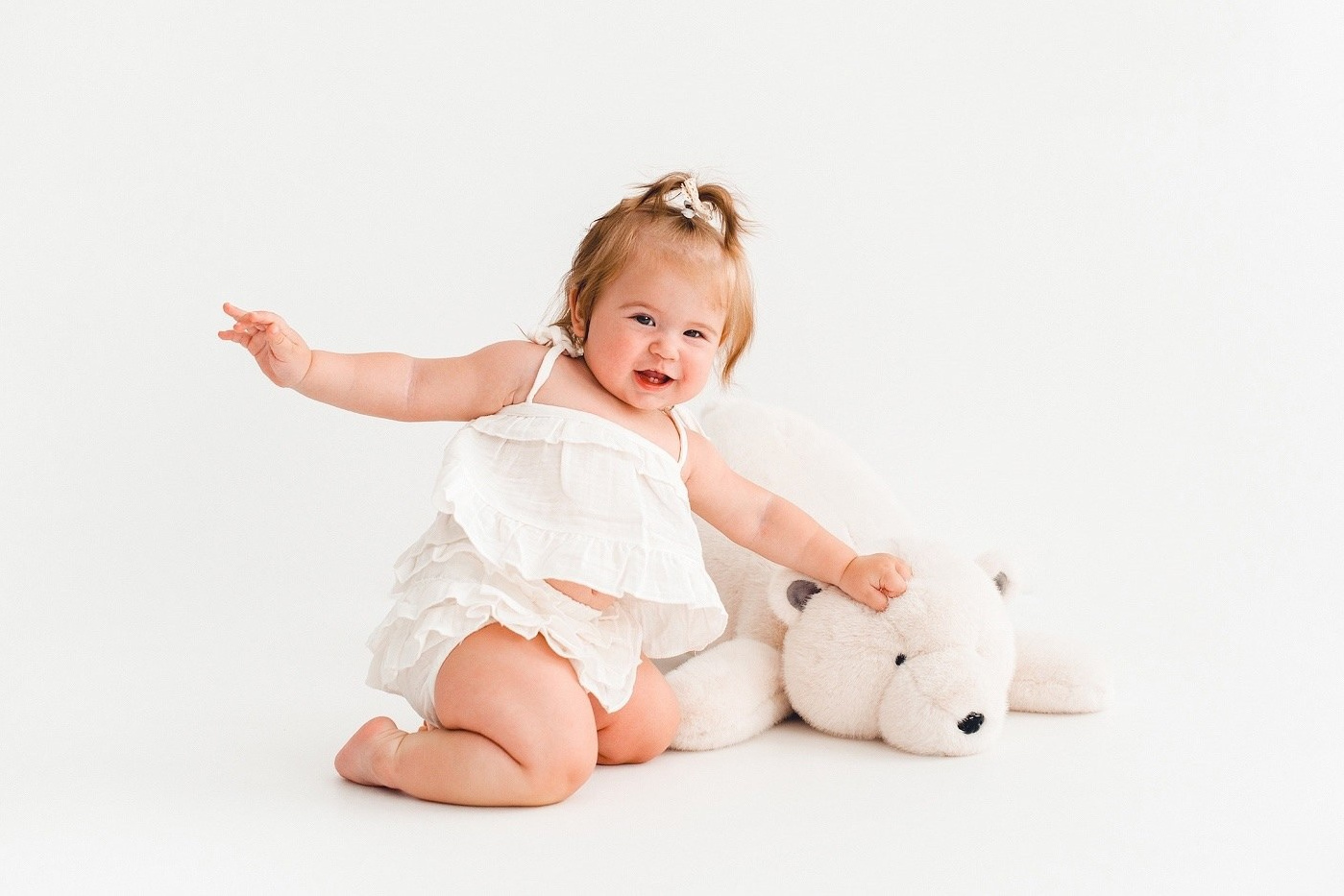
What is a preset for and what is it?
Preset is a pre-saved photo processing settings: exposure, contrast, shadows, etc.). Which can be applied to a photo or a whole series in one click, which saves a lot of time and creates a single style. Remember, the preset is designed to enhance your images, not fix errors, and works best with properly lit and exposed images.
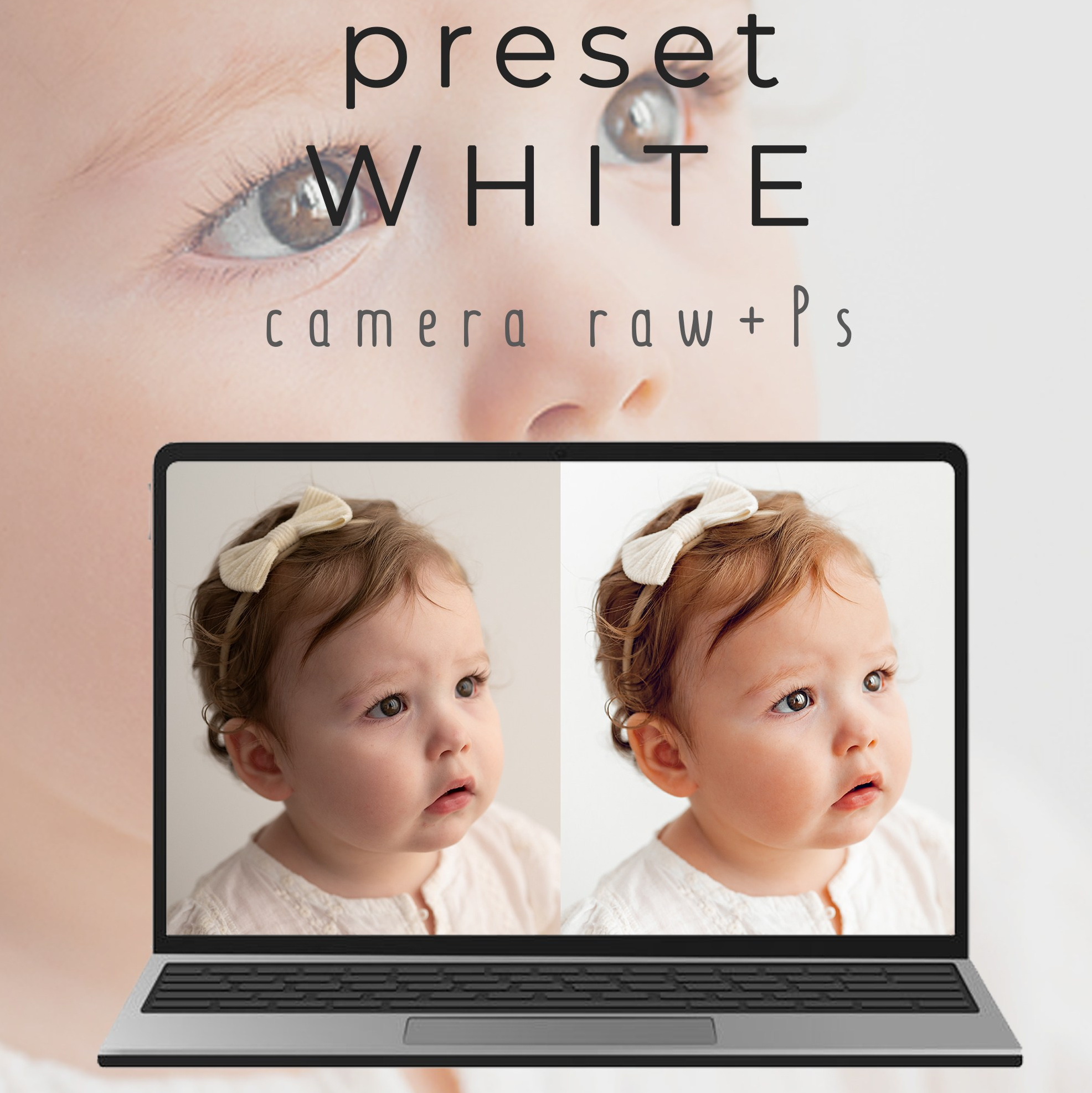
Preset «For white photos»
What is included:
— my Preset White on white (several options) in.xmp format
— video processing algorithm with comments
— my sources for self-development
— actions that I use in my work (bonus)
— feedback from me if necessary
The preset is intended for files shot in raw format. Processing takes place in Adobe Photoshop or LR Designed only for computers/laptops, not compatible with a mobile application.
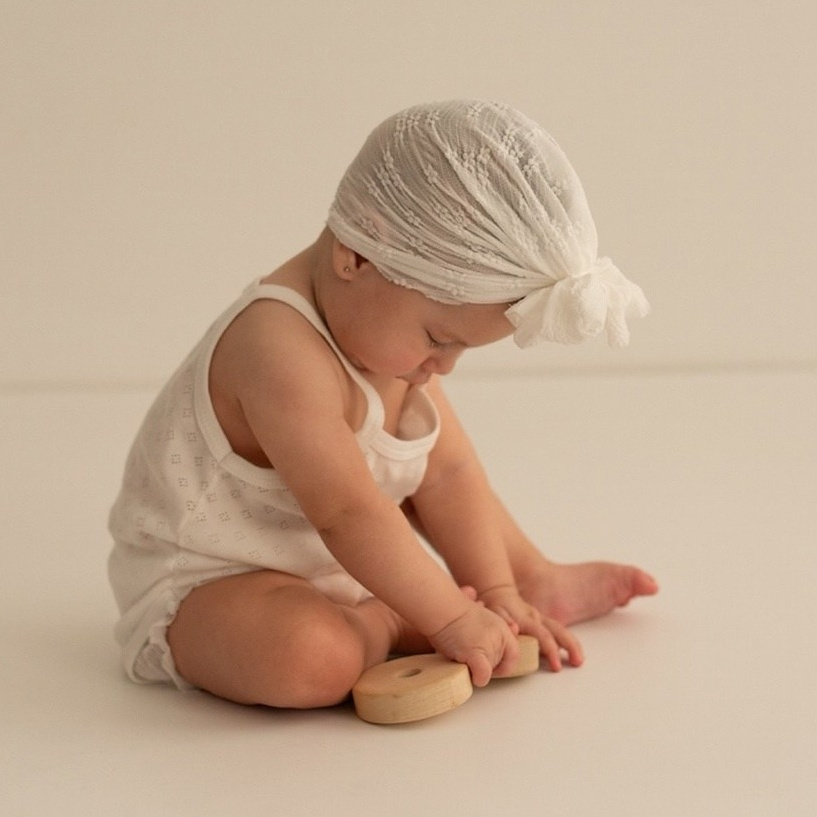
After paying and forming a check, click the button return to the store and you will go to download the material. All sales are final and non-refundable.
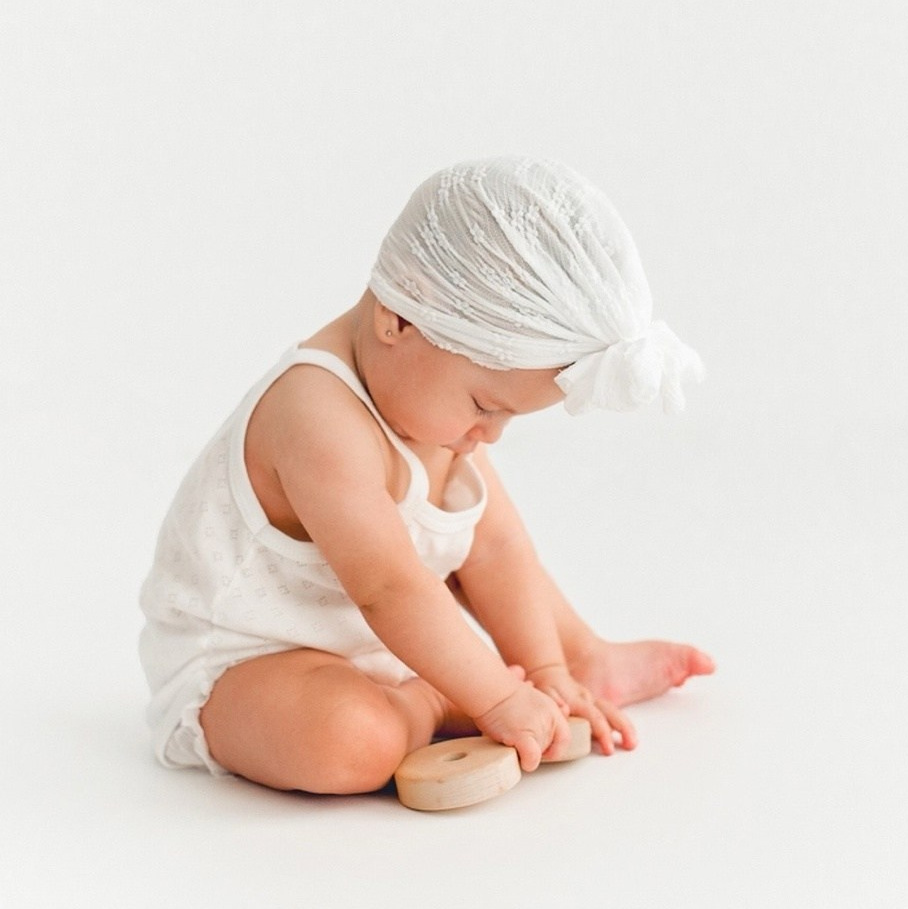
IMPORTANT!
The preset may lie differently in your photos, so you will need to tweak the settings for your image. The result depends on your source, camera settings, conditions and shooting style.
Tip!
I recommend testing the preset first in my photos, then in mine, preferably taken in white on white. This way you will understand how the settings work and be able to process color photos. All my photos taken on a white background are processed with this preset, which I twist a little for each new episode. Is it normal.
Frequently Asked Questions Answered
What light do you shoot with? — I work with natural light from the window.
Will the preset fall on the photo taken with pulsed light? — If the frame is shot correctly, then with small edits, you can adjust the preset to your shooting conditions.
I work in Lightroom, will the preset suit me? — The functionality of the programs is the same, so the preset works in both Photoshop and Lightroom
If I'm just starting and don't know the program, is the preset right for me? — To work with the preset, you need initial skills in the editor, understanding how to load the preset, how to work with masks, with colors, etc., so I recommend that you first study the basic settings.
Is there a video about working with the preset? — Together with the preset, you purchase a video algorithm for my processing from beginning to end, plus feedback if necessary.
Will the preset fall on any photo? — this preset was created for white photos, there is no point in superimposing it on all photos in a row, but technically of course it will fall on any source, but the result depends on your goals.
After downloading the preset, will my photos be like yours? — If your source code is taken according to all the rules described above, then the preset will fall immediately (minimal edits are possible, based on the skin color of your heroes, lighting and BB). We work in different conditions, shoot for different equipment, so we need to get as close as possible to the correct source.
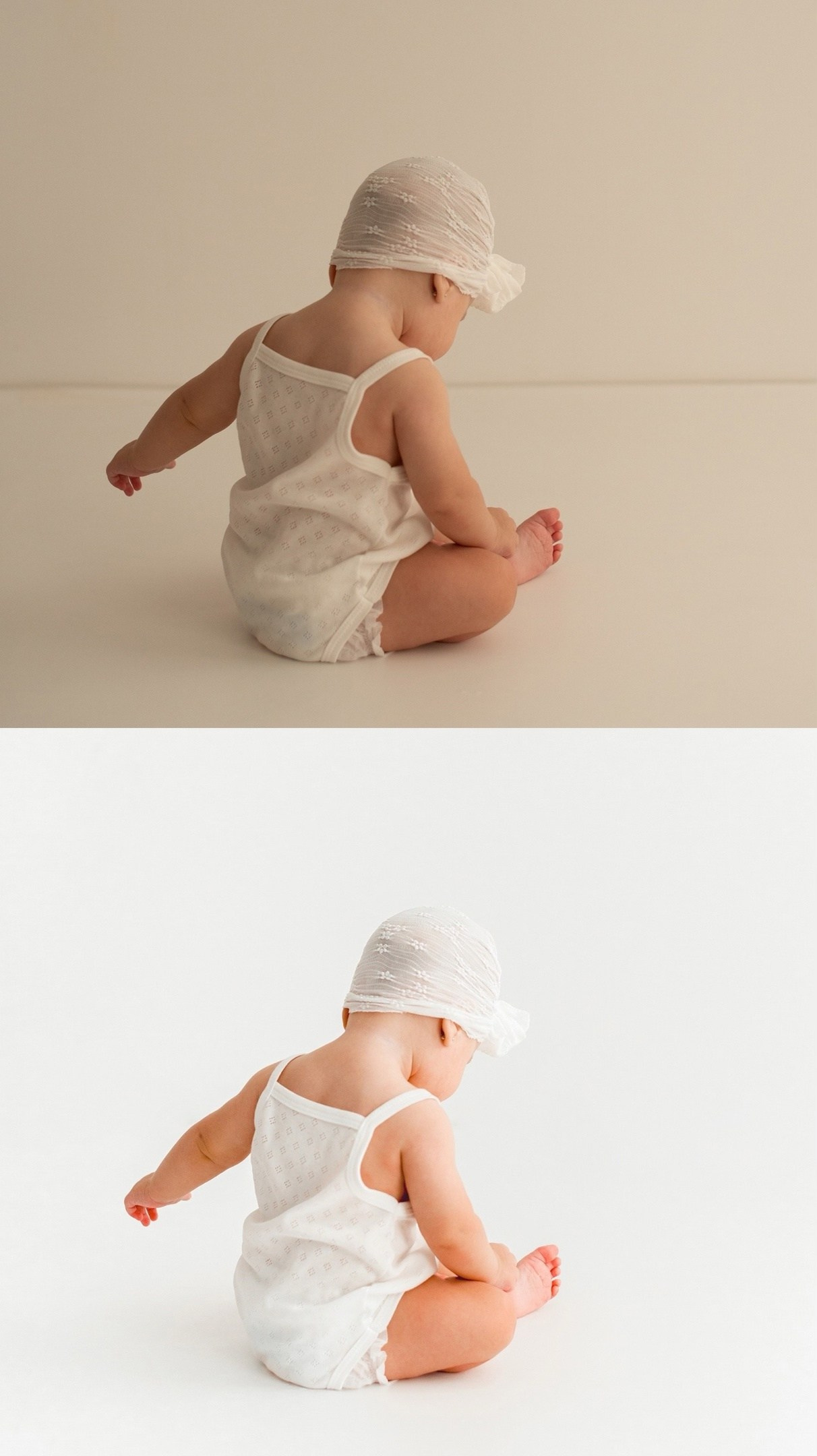
Processing is a small part of success for beautiful, bright pictures. It is important to have an initially good source, observing certain rules, and then the preset will fall well.
My rules for good source:
1. I shoot on a white background and in white clothes (for the coolest result). But this is not at all necessary, since my preset falls on the photo, where there are colors in the frame. It looks no less beautiful if you fit a little under the «color» picture. The most common question I have on the floor is vinyl background. Bought here
2. It is better to choose clothes from natural fabrics, matte, not shiny.
3. I work with natural (diffused) light. I avoid hard shadows and direct sun.
4. Minimum details in the frame. Emphasis on the shooting hero.
5. The background/floor is white, even, without foreign objects.
6. We do not overexpose the frame, leave the details in white, let the frame be better underexposed and follow the BB. After observing all these simple moments, we will get the source on which the preset will fall correctly. I shoot in raw format and make the main settings for color correction first in the AV camera, and then «clean» the photo in Photoshop.
The footage was taken with a Nikon d800, nikon z 6 camera, a 50 1.4, 50 1.8 lens, a 5500-7000 KB weather lens.
You can also watch the video in my free TV channel, as I shoot on a white background, here
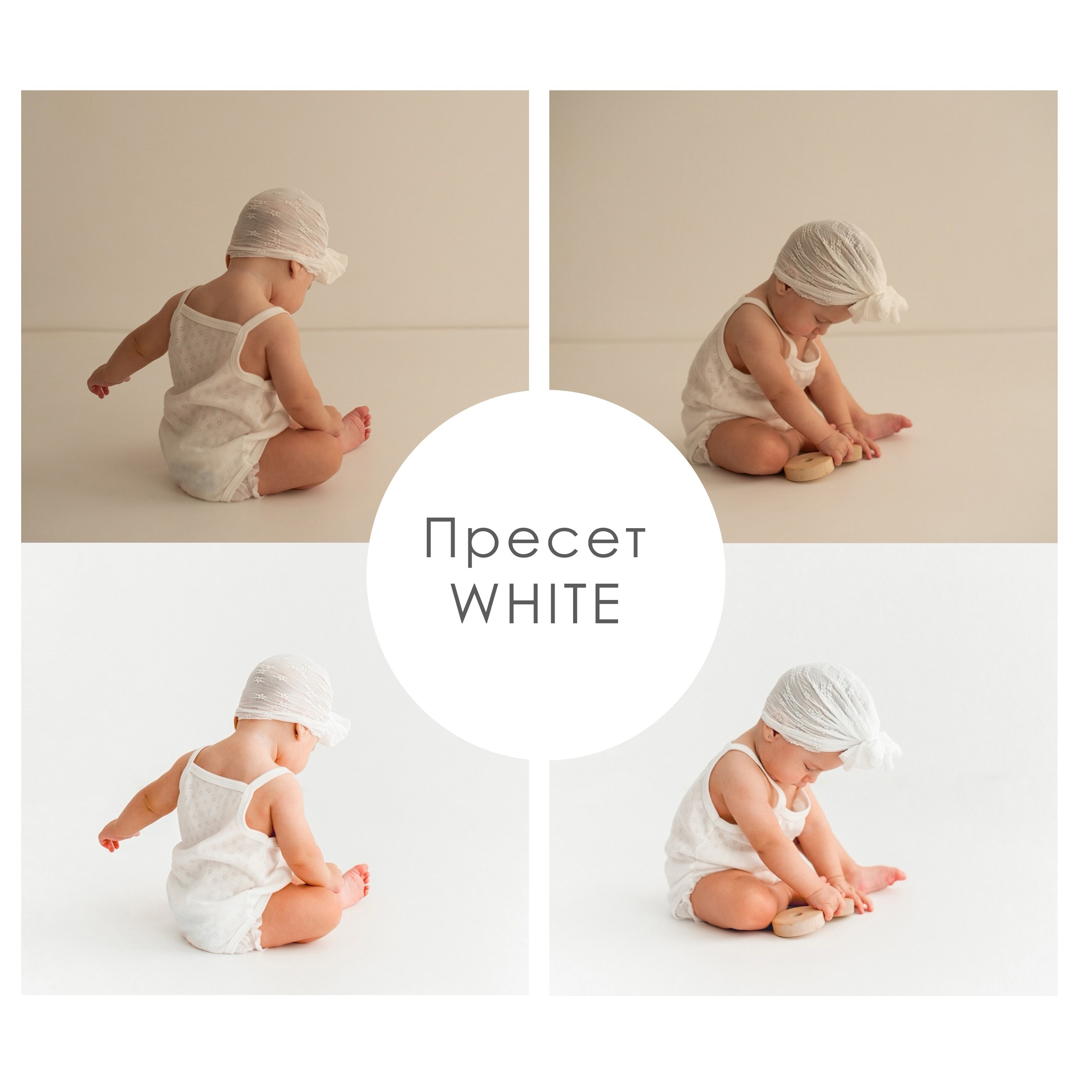
Next, in camera raw, I use my preset, tweak the settings and get a clean photo without dirt in color. Where white remains white, the skin looks natural, and the frame is light and airy. I spent three years experimenting and searching until I «screwed up» my perfect preset. I am glad that I can share my experience — now you also have the opportunity to learn how to work with white.